Location and safe zones
See where your child is and open the route history. Get alerts when they arrive at or leave home or school — and when they haven’t arrived by the time you expect.
Farzandim shows where your child is, manages phone time and blocks harmful sites — all in the open, with your child in the loop.
3 days free · No card needed

Simple to set up, and the rules keep working even without internet.
See where your child is and open the route history. Get alerts when they arrive at or leave home or school — and when they haven’t arrived by the time you expect.
A daily limit for the phone, for one app or for a whole category such as social media. When your child asks for more time you answer with one tap.
At night and during class the phone is restricted; only the apps you allow and emergency calls stay open.
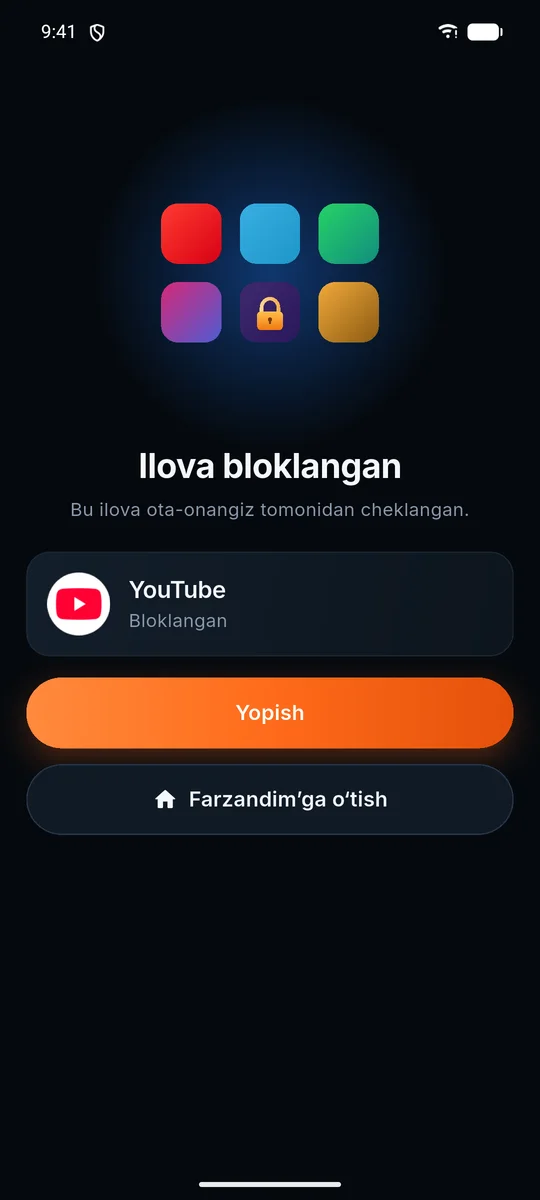
Adult, gambling, dating and VPN sites are blocked. Unsuitable results are hidden on Google, Bing and YouTube. You only see blocked attempts.
One button asks for help. You get a notification and an SMS with the location.
Your child sends quick replies like “I’ve arrived” or “Pick me up”. You write normal messages.
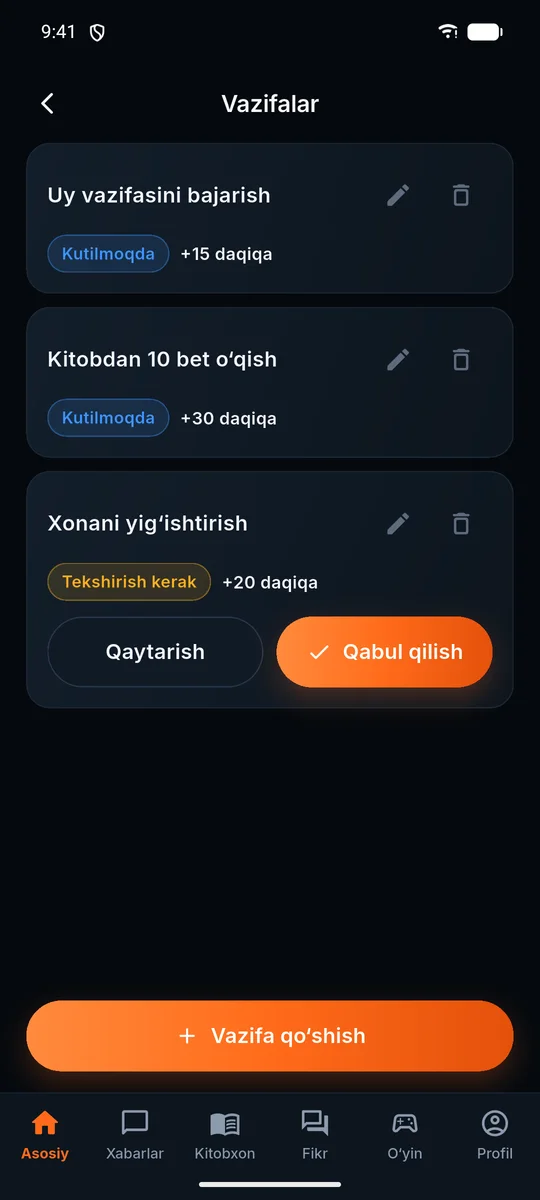
Tidy the room or read a book and your child earns extra screen time. You approve it.
Mum and dad follow the same child together. Up to three devices per child.
Parents and children share thoughts, photos and book impressions. You see what your child posts and can remove it.
Books for children as PDF and audio. You recommend a book and see how far your child has read.
Against the robot, two players on one phone or online — play together with your child.
Every Monday a short note: how much time your child spent on the phone and what they used most.
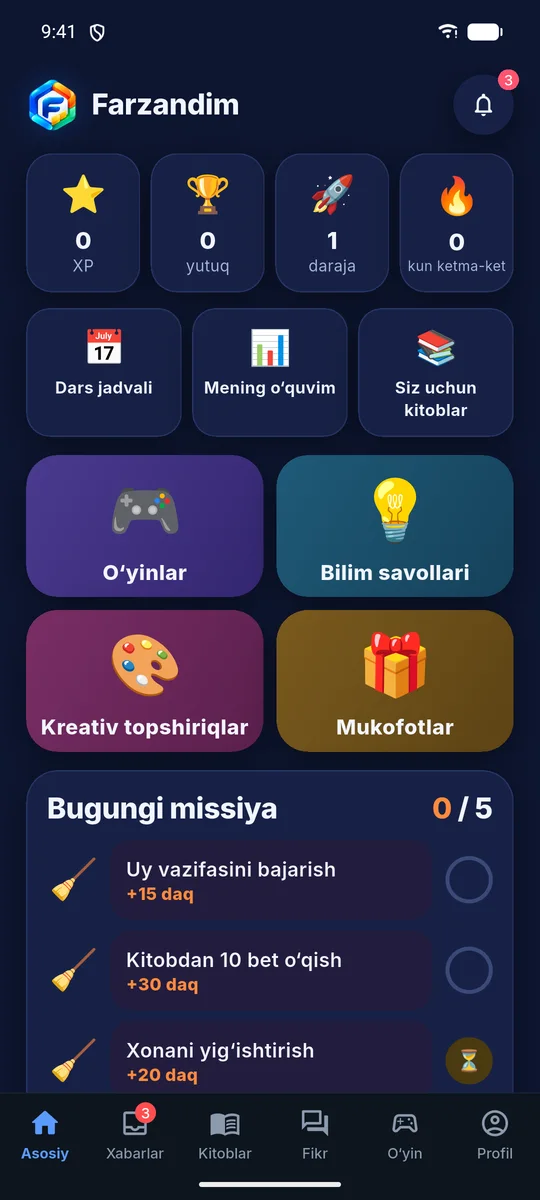
Simple and clear. These are real screens of the app (in Uzbek).
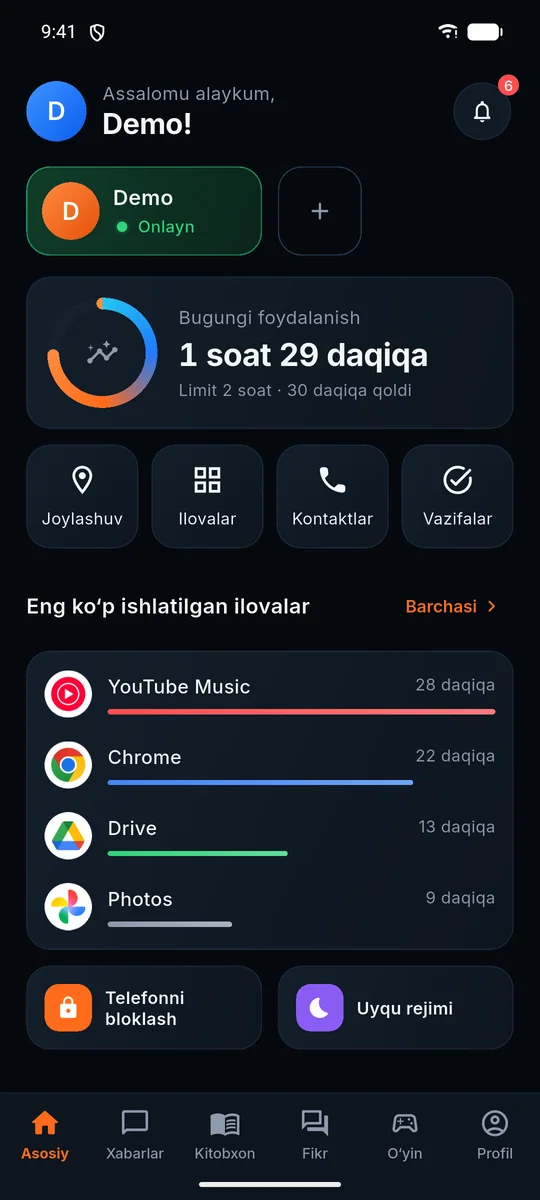
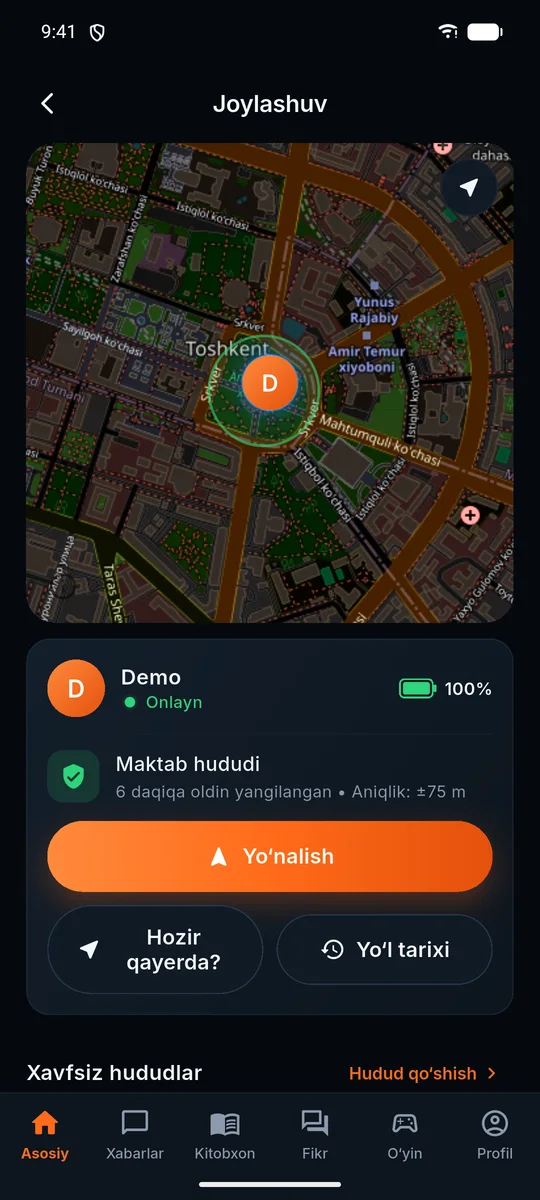
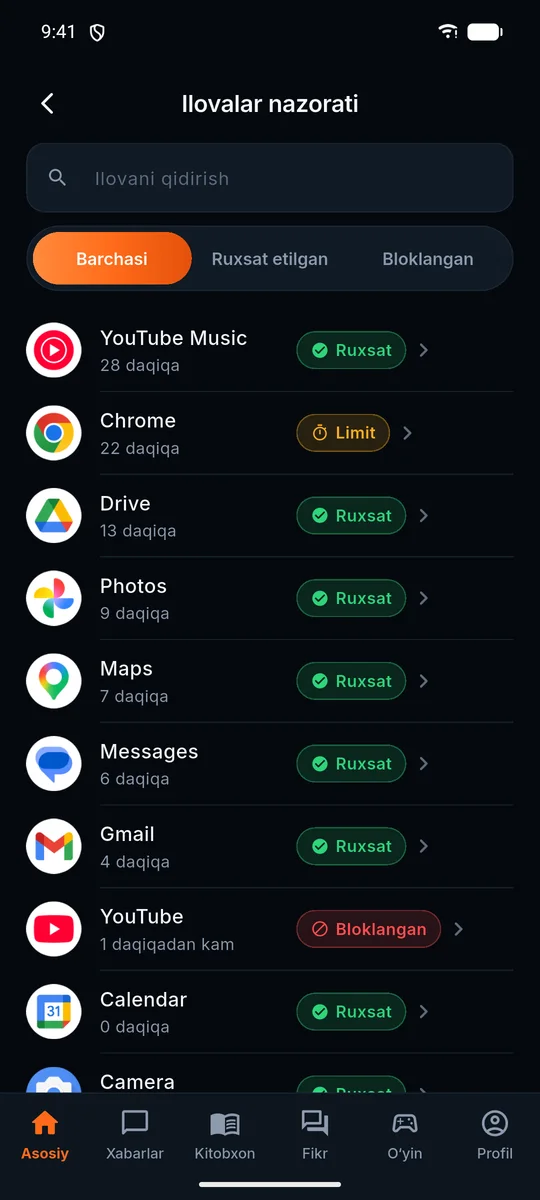
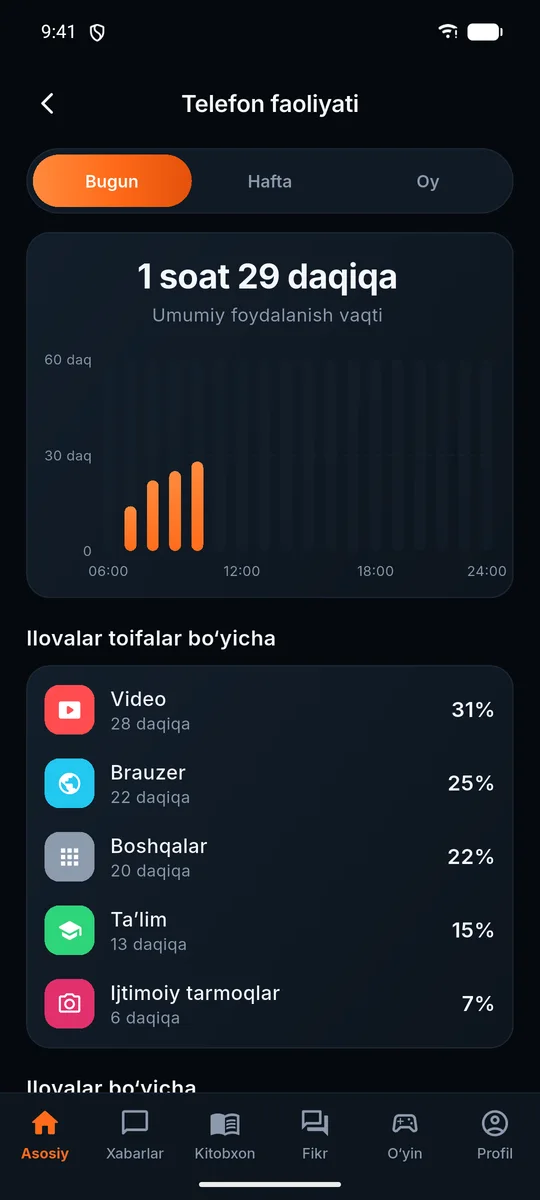
Sign in with your phone number — a confirmation code arrives by SMS.
Open Farzandim on their phone and scan the QR code or enter the 6-digit code.
Time, apps, safe zones and the filter — set them up the way you like.
Every day your child answers a new question, takes quizzes in six subjects and earns XP to level up. You see how they are doing.

Farzandim is not spyware. Your child can see who follows them, and while location is shared a permanent notification stays on the phone.
Try it first. Cancel any time in your store’s subscription settings.
Parental control
≈ 12 700 so‘m per month
Everything in one plan
≈ 25 300 so‘m per month
For the family network
≈ 12 700 so‘m per month
Google Play prices. On the App Store the price is a little higher because of Apple’s commission.

Install the app, link your child’s phone and set the first rules in a few minutes.
On Android, with protection on, Farzandim can’t be uninstalled and Settings stays closed. If protection is still switched off or the phone’s clock is changed, you’re notified right away.
Nothing shifts: bedtime and school time follow the server clock and your family’s time, not the phone’s clock or region. If the clock is changed, you are notified.
Yes: location, safe zones, SOS, family chat and tasks. Blocking apps and screen-time limits are Android-only for now.
The rules are stored on the phone itself and keep working offline. Location and events are sent once the connection is back.
The app is designed for children under 18. Only a child’s parent or legal guardian should install it.
Up to ten children per account and three devices per child. A second parent can follow from their own phone.
Data is stored on our server and sent over an encrypted connection. Tap “Delete account” in the app and everything is erased.
In the subscription settings of Google Play or the App Store, any time. Even after cancelling, unlocking your child’s phone is always free.
Write to us — we usually reply within one working day.